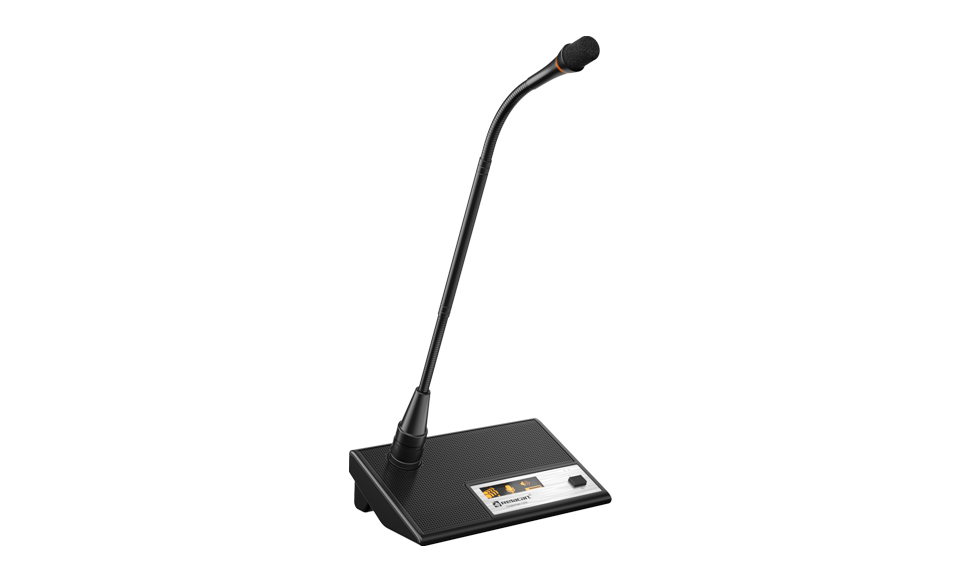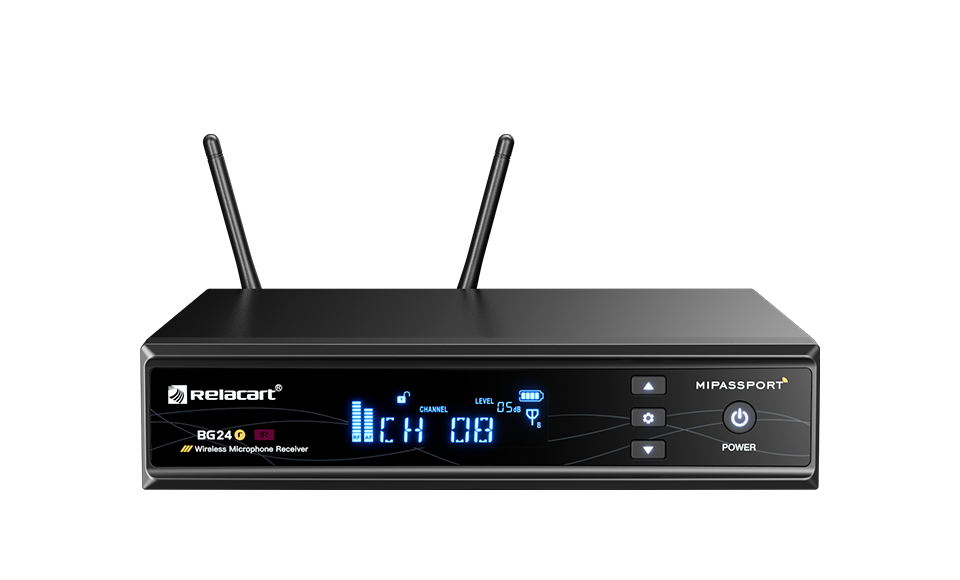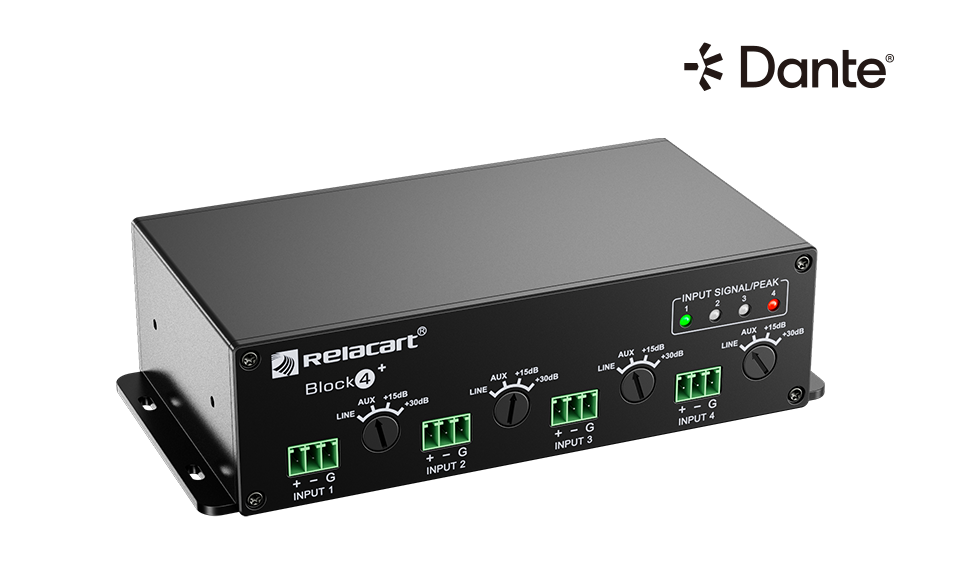
The Block 4+ Dante converter box - like every Dante endpoint, its audio quality is only as good as the network settings around it.
Dante has a reputation for being plug-and-play, and at small scale it genuinely is: connect devices to a switch, open Dante Controller, route audio by dragging a line. But as channel counts grow and networks start mixing office equipment with audio endpoints, the failures begin - clicks under load, periodic stutter, endpoints that vanish from the list, audio that dies the moment the meeting starts.
Almost none of those failures are Dante's fault. The protocol transmits uncompressed digital audio as ordinary network packets; when the packets stop arriving on time, audio stops. The causes are almost always the same handful of network settings, which is why this article is organised as a checklist: eight things to verify before you blame the devices. For the room-design view - which microphones, which mixers, how to automate a discussion - see our Dante conference room guide. This article is about the layer underneath it.
First, What Dante Actually Sends
Knowing the traffic profile tells you why each setting matters. Dante carries uncompressed PCM digital audio over standard gigabit Ethernet: analog signals from microphones are converted by an ADC, packetised, and sent across the LAN without compression. A single gigabit link can stably carry up to 512 channels of 48 kHz/24-bit audio in one direction, and one audio channel consumes roughly 2 Mbps. Latency is adjustable from 125 microseconds to 40 milliseconds, with 0.25-1 ms the typical choice for stage and conference work.
Everything rides on two invisible services. PTP (Precision Time Protocol, version 2) keeps every device on the network synchronised at microsecond level - it is why dozens of loudspeakers can sound like one system instead of a phased mess. And automatic device discovery means Dante endpoints obtain addresses and recognise each other without manual configuration. Both services are exactly the things careless switch settings destroy.
The Eight Settings, in Order of How Often They Bite
- 1. A 100 Mbps port anywhere in the path — Dante requires gigabit switching; 100 Mbps is not acceptable. A single Fast Ethernet port - often hiding in an old wall outlet or an unlabelled mini-switch - throttles every channel routed through it and breaks the packet cadence that low-latency audio depends on. Audit every port in the audio path, not just the core switch.
- 2. Energy-saving ("green") switch features — Energy-saving switches must not be used on an audio network. Their power-down and sleep behaviours silently drop or delay packets for ports the switch considers idle - and PTP clock traffic looks exactly like idleness to them. The result is clock drift and intermittent audio with no error message anywhere. Disable green-ethernet features, or replace the switch.
- 3. No QoS / 802.1P audio priority — A switch that treats all traffic equally will let a file copy or a video stream preempt audio packets. QoS with 802.1P priority marking ensures audio packets are serviced first. On any network that shares even a little background traffic, missing QoS shows up as clicks precisely when the building gets busy.
- 4. IGMP snooping disabled (or misconfigured) — Dante audio flows as multicast. Without IGMP snooping, a switch floods every multicast packet to every port, loading the network and choking endpoints with traffic meant for others. With snooping enabled - the correct configuration - multicast goes only where it was requested. The failure mode of getting this wrong is a network that works with four channels and collapses at twenty.
- 5. Sample-rate mismatch between devices — All devices on a Dante network must run the same sample rate - 48 kHz is the engineering standard for conferencing and sound reinforcement. Some devices do not support higher rates; when rates differ, the network must synchronise to the lowest-rate device, and endpoints that cannot follow drop out. Fix the whole network at 48 kHz/24-bit before debugging anything else.
- 6. Clock master left to chance — Dante elects a clock master automatically, but a stable system designates one deliberately - typically the main mixing console or interface box. Random re-elections (when a device reboots or a better candidate appears) cause an audible hiccup across every device on the network. Pin the master, and pin its settings.
- 7. Audio network mixed with the office network — The audio network must be physically isolated from the office network - not VLAN-shared with it on casual hardware. Office traffic, Wi-Fi controllers and printers introduce the congestion and the multicast noise that settings 3 and 4 were supposed to contain. If audio and video must share infrastructure, use a unified protocol and managed switches with proper configuration.
- 8. Redundancy ports unwired — Professional Dante devices carry PRIMARY and SECONDARY network ports, and the system switches to the backup seamlessly if the primary connection fails - but only if someone actually connected the secondary network. Wire the redundant network, configure fixed IPs (set them via DHCP first, then remove the router to lock them in), and the "totally silent command centre" failure mode disappears.
Cabling and Hardware: The Boring Layer That Causes Real Faults
Two hardware rules prevent a surprising share of site callbacks. First, cable: Cat5e or Cat6, with any single segment no longer than 100 metres - beyond that, use fibre for the long run rather than hoping the switch will negotiate a marginal link. Shielded RJ45 connectors are recommended in electrically noisy buildings.
Second, the management computer. Dante Controller is lightweight, but a multichannel commissioning session on an underpowered laptop produces symptoms that look like network faults. The working specification: an i3-class CPU minimum, i5 for multichannel work, a dedicated gigabit network interface (a USB 3.0-to-gigabit adapter is acceptable), and Windows 10 or macOS 10.13 or newer.
For projects that outgrow a single switch - cross-subnet, cross-building, multi-room campuses - the Dante Domain Manager (DDM) layer manages domains, permissions and centralised monitoring across the whole estate, and Dante AV extends the same network to video. Design that in from the start; retrofitting domain management onto an ad-hoc network means re-doing settings 1 through 8.
A Symptom Map: From What You Hear to What Broke
The map works in both directions: when commissioning, walk the eight settings top to bottom before the first test tone, and most of these symptoms never appear at all. When they do appear mid-project, resist the urge to re-patch audio routes first - the routes are almost never the problem.
Field symptoms and the network settings that usually cause them.
| Symptom | Most likely cause | Where to look |
|---|
| Clicks and pops only when the building is busy | Missing QoS or mixed office traffic | Settings 3 and 7 |
| Audio collapses as channel count rises | Multicast flooding - IGMP snooping off | Setting 4 |
| Periodic stutter with no pattern | Energy-saving switch features or clock master instability | Settings 2 and 6 |
| Some endpoints missing from Dante Controller | Sample-rate mismatch or a 100 Mbps port in the path | Settings 5 and 1 |
| Everything silent after one device rebooted | Clock master re-election or unplanned IP change | Settings 6 and 8 |
| Intermittent dropouts at distance | Cable segment beyond 100 m or unshielded connectors near interference | Cabling rules |
Commissioning Order That Avoids All Eight
A repeatable deployment sequence looks like this. Build the audio network physically first: dedicated gigabit managed switches, no energy-saving features, QoS and IGMP snooping configured, Cat5e/Cat6 runs within their 100 m budget, the audio network isolated from office infrastructure. Power the endpoints and confirm every device registers in Dante Controller.
Then fix the logical layer: set the entire network to 48 kHz, designate the clock master (main console or interface box), configure fixed IPs via DHCP-then-lock, and connect the PRIMARY/SECONDARY ports to their respective networks for redundancy. Only then route audio in Dante Controller - dragging microphone channels to the console, console outputs to amplifiers or Dante loudspeakers - and save the routing as scene presets for one-click recall between meeting, performance and broadcast modes.
On our own platforms the same discipline applies end to end: the DAM-208D 20-channel digital mixer carries its Dante card into the network alongside converter boxes such as the Block 4+ (four microphone inputs with 48 V phantom power, four line inputs and four line outputs), which is the standard way to bring legacy analog gear into a Dante room without replacing it. For larger automixing work, our conference discussion system guide shows how discussion modes layer on top of the network. And when a venue mixes wired and wireless endpoints, the Dante hybrid wireless series follow the same network rules as every other endpoint on the LAN.
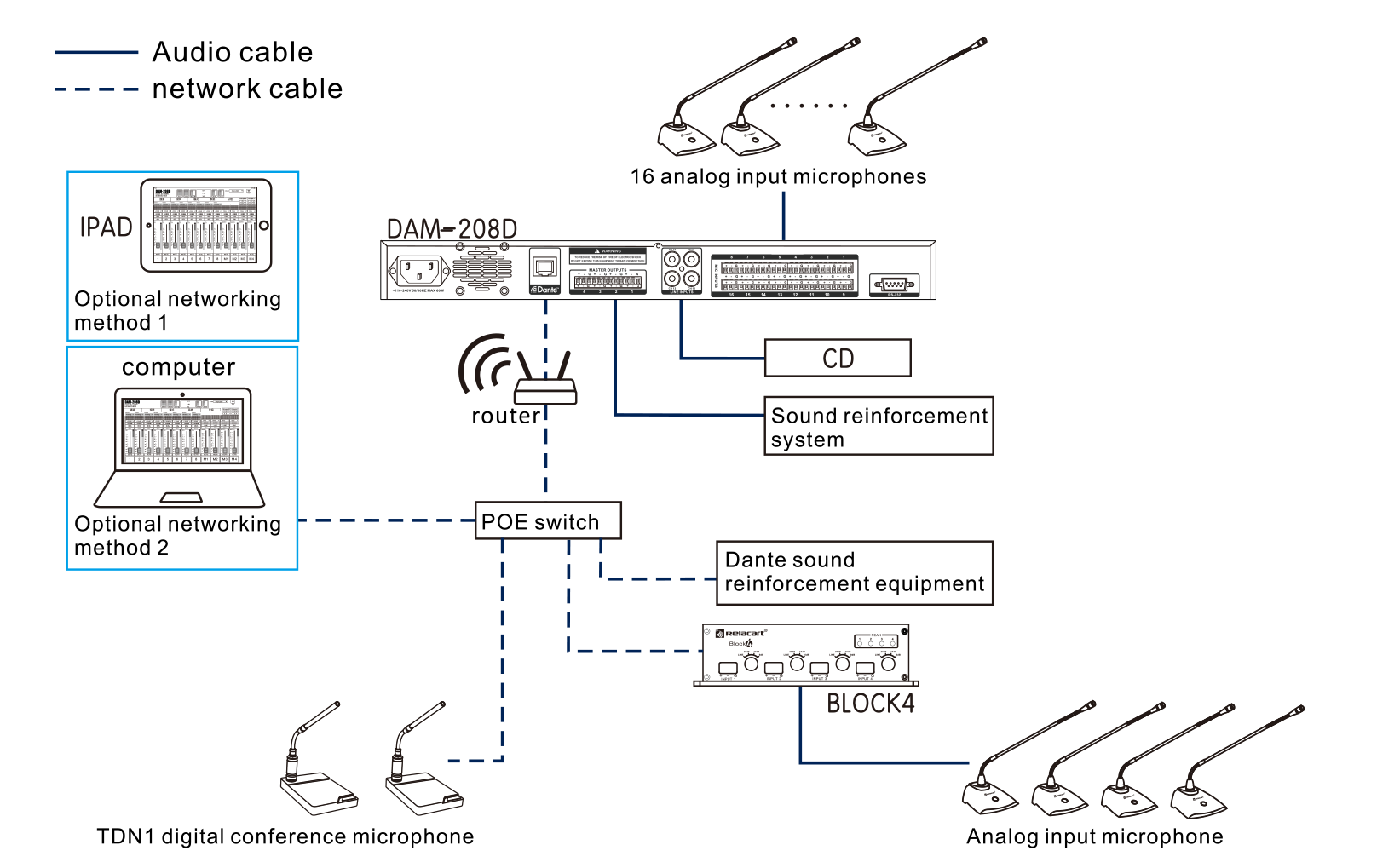
A Dante conference room built around the DAM-208D mixer: network cables (dashed) carry audio, control and clock; audio cables (solid) stay local.
Why does Dante require gigabit switching?
A single audio channel consumes about 2 Mbps, and professional deployments carry dozens to hundreds of channels through the same switches. A 100 Mbps segment caps out at a fraction of that and disrupts the packet timing that sub-millisecond latency depends on. Gigabit throughout the audio path is the baseline, not an upgrade.
Can Dante audio share a network with office traffic?
The audio network should be physically isolated from the office network. If audio and video must share infrastructure, use a unified protocol and managed switches with QoS and IGMP snooping properly configured. Casual sharing on unmanaged hardware is the most common root cause of intermittent Dante faults.
What latency should I expect on a Dante conference system?
Dante latency is adjustable between 125 microseconds and 40 milliseconds. Conference and stage deployments typically run 0.25-1 ms per hop, keeping total system latency under 5 ms - fast enough that speakers and microphones feel acoustically instantaneous.