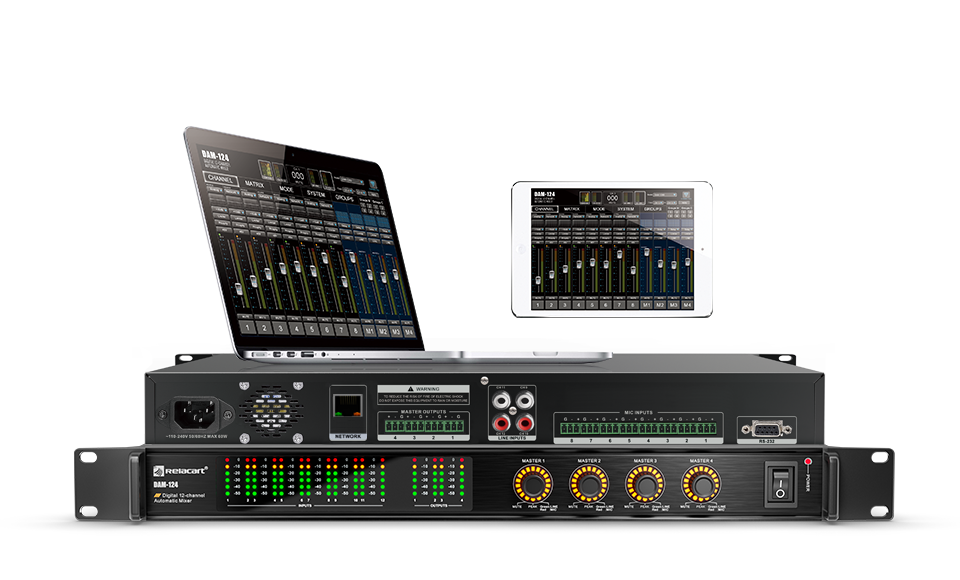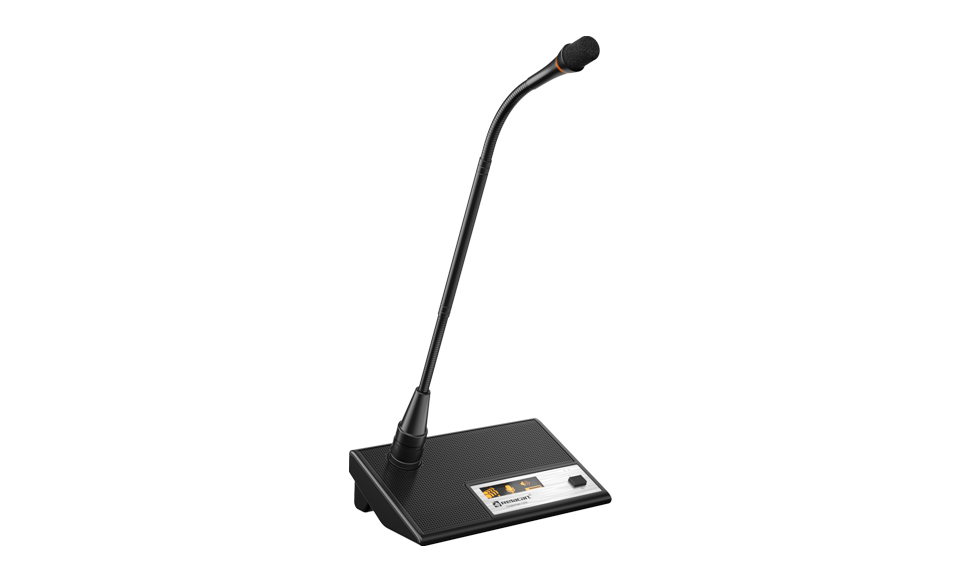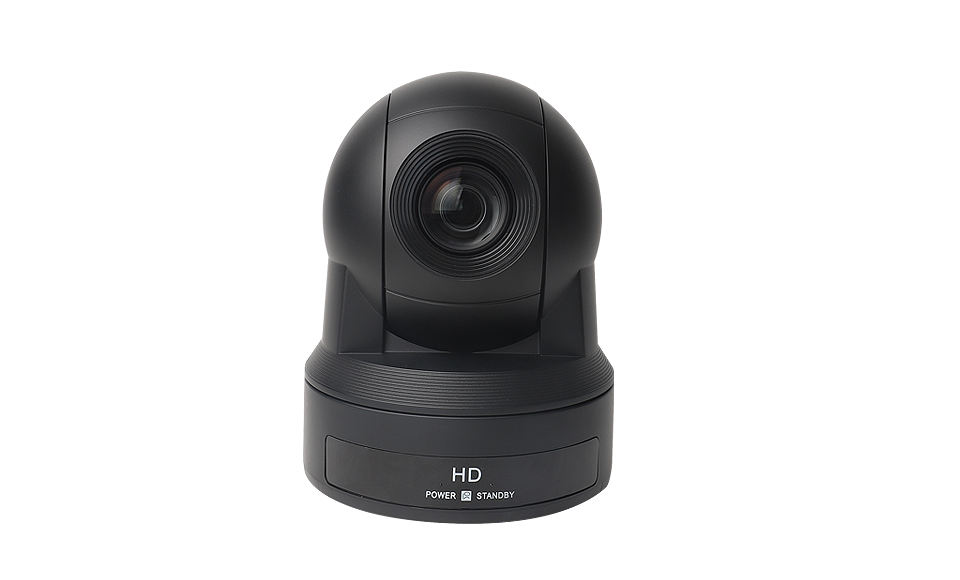
A PTZ conference camera: in a tracking-enabled room it is not operated by a person - it obeys the discussion system, switching to whichever seat has the floor.
Ask a delegate what makes a modern conference room feel professional and they rarely mention audio - they mention that the camera always seems to know who is speaking. That behaviour is camera tracking, and it is not a camera feature at all. It is a chain that starts at the microphone switch and ends at a lens motor, and every link in between has to be configured deliberately.
This guide walks that chain end to end, using our CS-302 platform as the reference: how the trigger works, which control protocols the cameras actually obey, what the SDI video layer contributes, and how the four discussion modes change what the camera does. If you are still choosing the room architecture itself, start with what a conference discussion system is, then come back to the video layer.
The Trigger Chain: Microphone First, Camera Second
In a tracking-enabled system the sequence is always the same. A delegate presses the speak button on their discussion unit. The central controller already knows which seat that unit occupies and which camera - and which preset position on that camera - corresponds to it. The controller sends a command over the control line, the camera drives its pan, tilt and zoom motors to the stored position, and the video output switches to that feed. From button press to stable shot takes under a second, and nobody in the room operated anything.
What makes this possible is not intelligence in the camera but memory in the system. Each camera channel holds presets - pre-aimed, pre-zoomed positions for each delegate seat. The camera does not search for the speaker; it is told exactly where to look. This is why the commissioning work in a tracking room is mostly about seating maps and preset storage, and why a room can be reconfigured for a summit in minutes once presets are saved.
The wireless side follows the same logic. Our WDC-943 wireless discussion system supports automatic video accompaniment on the same principle - a delegate unit switching on triggers the camera cut - so the tracking layer does not care whether the seat is wired or wireless; it cares that the controller knows who has the floor.
The Control Layer: VISCA, PELCO and the Serial Line
Cameras in professional rooms are controlled over serial lines, and two protocol families dominate. VISCA is the protocol born with professional PTZ cameras and widely used in broadcast and conference robotics. PELCO-D and PELCO-P come from the security industry and are spoken by a vast population of surveillance-grade PTZ heads. A conference controller that supports all three - as the CS-302M does, over RS-232 or RS-422 - can drive nearly any camera a client already owns, which matters when the video budget is already spent.
The choice between RS-232 and RS-422 is a distance and noise decision. RS-232 is the classic short-range serial standard, fine for a controller and cameras sharing one equipment rack. RS-422 sends the same commands differentially over twisted pair, surviving the longer runs and the electrical noise of a real conference floor - fluorescent dimmers, LED walls, motorized lifts. When a camera sits on the far side of a large hall, RS-422 is not an upgrade; it is the difference between commands arriving and not arriving.
One configuration detail decides whether any of this works: the baud rate must match on both ends, and the protocol setting must match what the camera actually speaks. A camera set to PELCO-D will ignore a perfectly addressed VISCA command forever, and the symptom - a camera that never moves - looks identical to a broken cable.
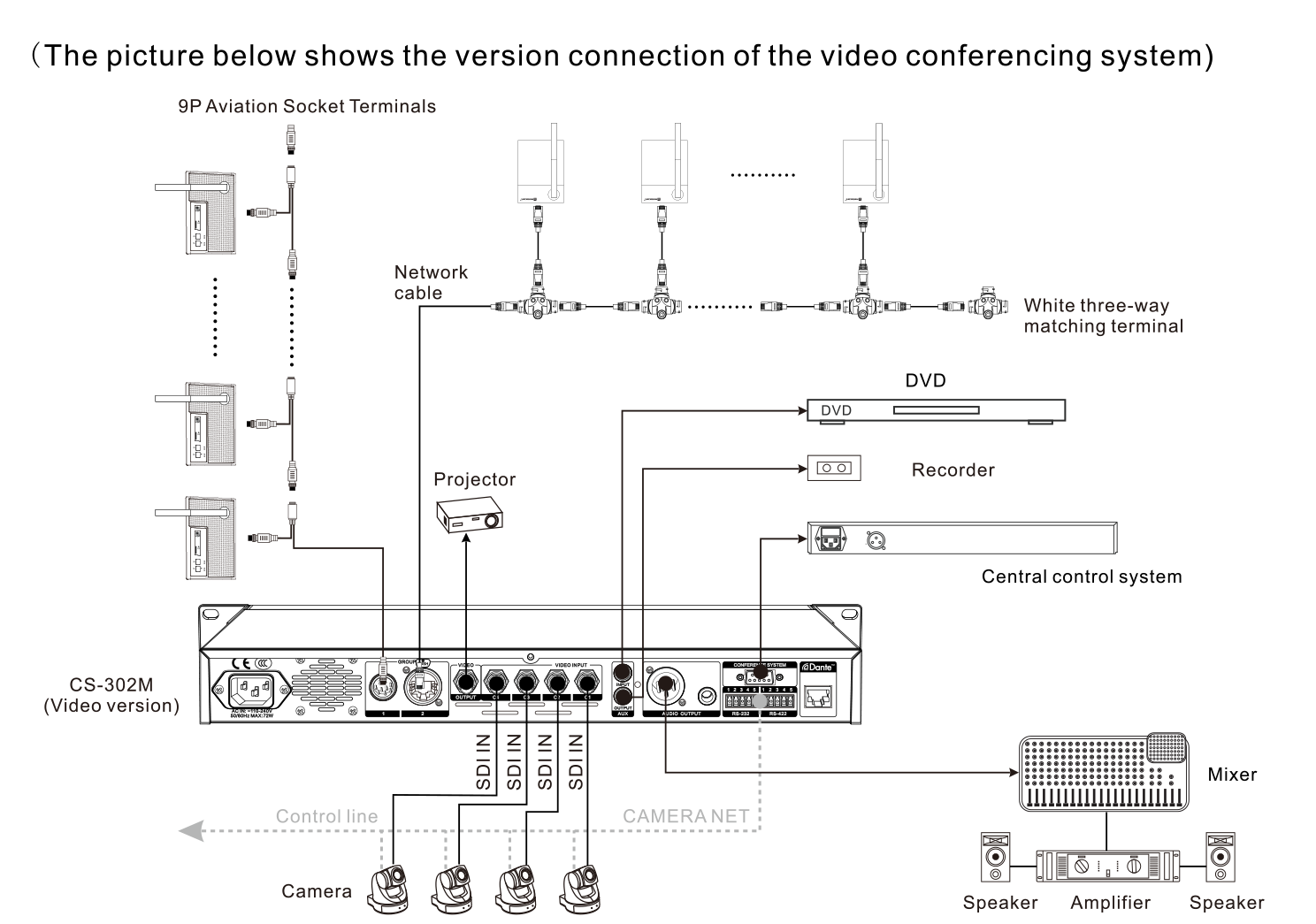
The CS-302M video-version connection map: four cameras enter through SDI IN, the CAMERA NET control line reaches every PTZ head, and audio exits to the mixer, amplifier and speakers.
The Video Layer: What the SDI Family Carries
While the control line tells cameras where to point, the video layer carries the picture back. Professional conference rooms standardize on SDI over coaxial BNC, and the CS-302M accepts four video inputs and provides one output across the SDI family: SD-SDI (SMPTE 259M), HD-SDI (SMPTE ST292), 3G-SDI (SMPTE ST424) and HDcctv 1.0. The practical meaning of those standards is straightforward - they define how much picture detail travels down one coax, from standard definition up to 1080p-class high definition.
Four inputs matter for room geometry: one camera on the chairman, one wide on the full table, and two more on delegate zones or a whiteboard. The system switches among them as the floor moves, and the single output feeds the recorder, the projector and the remote-conference encoder simultaneously. For large installations, a dedicated automatic video tracking system takes over the switching logic, while a purpose-built conference camera provides the PTZ head at each position.
SDI has stayed in conference rooms for two reasons: coax is cheap, lockable and electrically isolated from the audio chain, and the standards are plug-and-play - a camera and a controller that both speak SDI simply work, with no network configuration in the video path at all.
Discussion Modes Change What the Camera Should Do
The same tracking hardware behaves differently depending on the discussion mode the meeting runs in, and matching the two is where integrators earn their fee. In FIFO mode - first in, first out - the camera can simply chase the most recent activation, because speakers hand over in strict order. In request-to-speak mode the chairman approves each intervention, so the camera should wait for the approval event, not the request, or it will swing toward hands that are never called.
In time-limited mode the interesting moments are the warnings: the camera holding a speaker while their clock runs down matters more than the initial cut. And in VOX - voice activation - the microphone opens on sound rather than a button, so the tracking layer must tolerate brief false triggers and settle on whoever sustains speech, instead of twitching toward every cough.
The CS-302 platform runs all four modes, scaling from 40 delegate units on one central controller to 110 with an added power supply - the EXP-124W expansion power supply carries its own 72 W power stage and cooling fan to feed 30 additional units on extended runs. Whichever mode a summit uses, the camera presets, the mode logic and the seat map are configured together, in the same commissioning session.
Commissioning and the Four Faults You Will Actually Meet
Commissioning a tracking room follows a short, strict order. First, wire and address the discussion units and confirm audio - the camera layer must never be debugged over a broken audio layer. Second, set every camera preset: drive each PTZ head to each seat, zoom, and store. Third, fix protocol and baud rate per channel and test one camera by forcing a manual activation. Fourth, rehearse the actual meeting mode with real speakers, watching for seats whose presets were never saved.
The faults that appear in the field are few and patterned. A camera that never moves is almost always a protocol or baud-rate mismatch - verify VISCA versus PELCO before touching any cable. A camera that cuts to the wrong seat is a seat-map or preset error, not an electronics fault - re-store that channel's presets. Intermittent switching points to the control line sharing a route with power cables or a failing connector. And video dropouts on long runs usually mean the coax was bent past its minimum radius or a BNC was crimped without the right tool.
Each of these has the same first response: check configuration before hardware, because the tracking layer is software-defined end to end. Our field guide to wired conference system faults covers the audio-side equivalents in the same spirit - and the same discipline applies: the room that documents its presets, seat map and protocol settings is the room that recommissions in minutes instead of hours.
What is the VISCA protocol used for in conference rooms?
VISCA is a serial control protocol for PTZ cameras. In a tracking-enabled discussion system, the central controller sends VISCA commands over RS-232 or RS-422 to drive each camera to the preset position of whichever delegate has the floor. It is one of the three protocols our CS-302M supports, alongside PELCO-D and PELCO-P.
How many cameras can one conference system track?
The CS-302M video version accepts four video inputs and controls up to four cameras - typically a chairman camera, a wide room camera and two delegate-zone heads - and provides one switched video output for the recorder, projector and remote encoder. Larger installations add a dedicated automatic video tracking system.
Why does my camera not switch when a delegate speaks?
In order of likelihood: the camera protocol or baud rate does not match the controller setting; the preset for that seat was never stored; the seat map in the controller is wrong; or the control line has a wiring fault. Verify protocol and baud rate first - a PELCO-D camera ignores VISCA commands entirely, which looks identical to a broken cable.